PDF to Text Converter
Use this PDF to Text Converter to convert your PDF documents into editable text (notepad) files. It uses OCR to make PDF text extraction without any cost.
How to Convert PDF to Text?
Follow these three simple steps to convert and copy text from PDF:
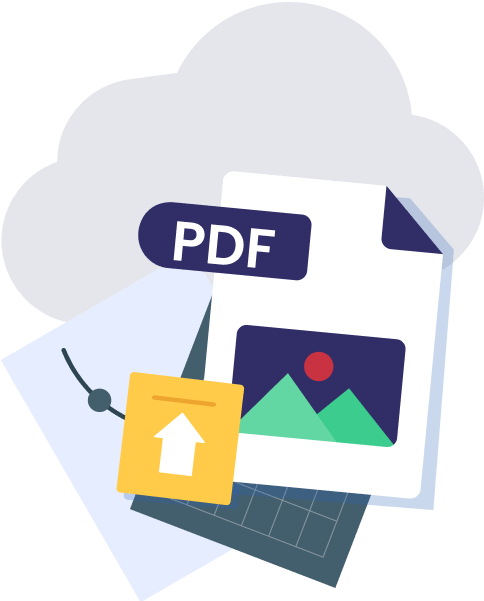
Step 1 Upload Your PDF Document
Upload or Drag and drop your PDF document.
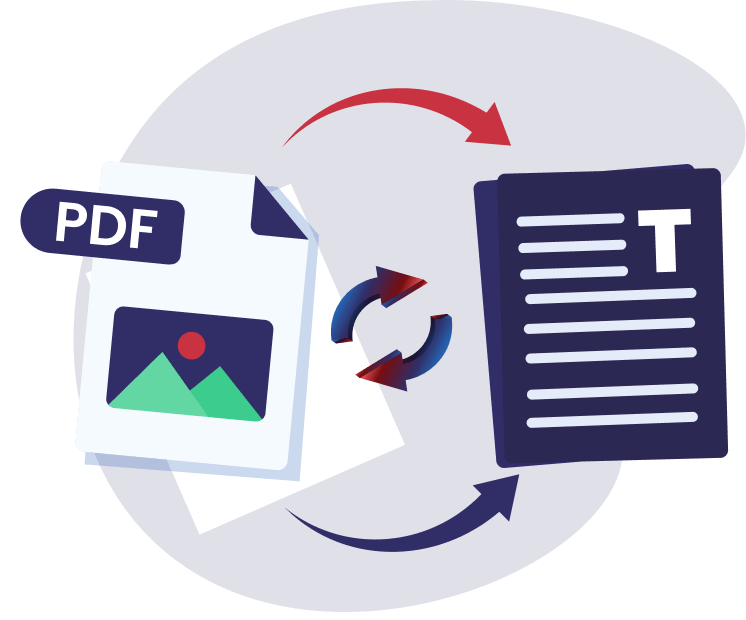
Step 2 Start the Conversion Process
Click the 'Convert' button to start the OCR conversion process.
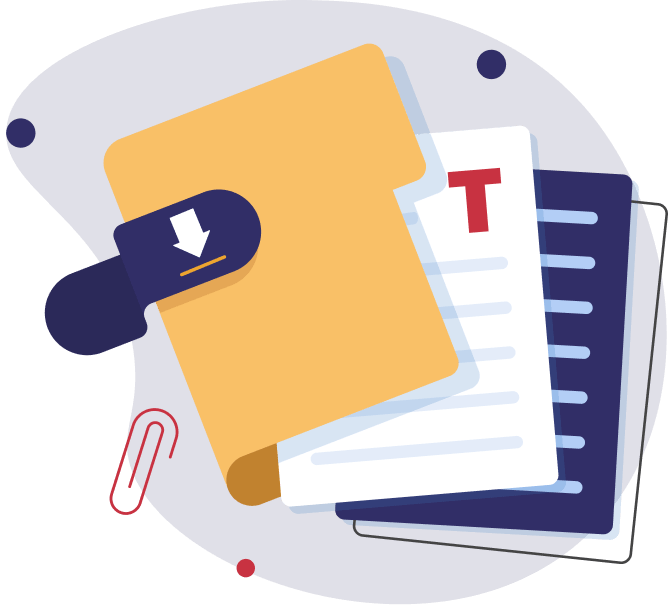
Step 3 Save Extracted Text
Copy and Download the converted text file to your device.
Our PDF To Text Converter Features

Accurate Result
Our pdf text extractor uses advanced OCR technology to improve the text recognition process, especially for complex pdf that contains special characters to ensure your text remains accurate.

Free to use
Users can Convert pdf to text for free without any hidden costs, allowing users to extract as many files as they need.

Completely Secure
This tool uses strong encryption, once the conversion is done, all the processed pdf files are automatically deleted from the server end.

Batch Conversions
Users now can easily convert a bunch of PDF files at once into editable txt format, this feature will save both time and effort.

Fast and Efficient.
This tool is designed for speed and efficiency, easily handling even large files and it never gets slow down when dealing with multiple files.

Multiple Exports
After the extraction process, users can download files into multiple formats. This tool supports multiple export formats, including .txt, .docx, or .csv.
Frequently Asked Questions

Yes, our tool supports multiple languages, allowing users to extract text from PDF documents in multiple languages.
Yes, our converter uses advanced OCR technology to extract text even from scanned PDFs.
Use any web based browser on mobile (android, IOS), tablets, simply upload your PDF to itspdf PDF to Text Converter, and download the output for easy copying and usage.
Converting PDF to text allows you to easily edit, search, and extract data from a document. It makes the content more accessible and enables users to modify, analyze, or repurpose the text as needed.
 JPG to PDF
 PNG to PDF
 BMP to PDF
 TIFF to PDF
 WORD to PDF
 XLS to PDF
 HEIC to PDF
 VCF to PDF
 PPT to PDF
 PDF to JPG
 PDF to PNG
 PDF to BMP
 PDF to TIFF
 PDF to WORD
 PDF to CSV
 PDF to PPT
 PDF to Text
 PDF to Excel
 Image to Text
 HEIC to JPG
 HEIC to PNG
 MERGE PDF
 SPLIT PDF
 COMPRESS PDF

 Done
Done

 Download All .txt
(ZIP)
Download All .txt
(ZIP)
 Download All .doc (ZIP)
 Download All .html
(ZIP)
Download All .html
(ZIP)