PDF to EXCEL Converter
Use this PDF to Excel converter to convert PDF files into editable Excel spreadsheets for free while keeping the original formatting.
Related Tools



How to Convert PDF to Excel Spreadsheets?
Following these three simple steps turn PDF into Excel:
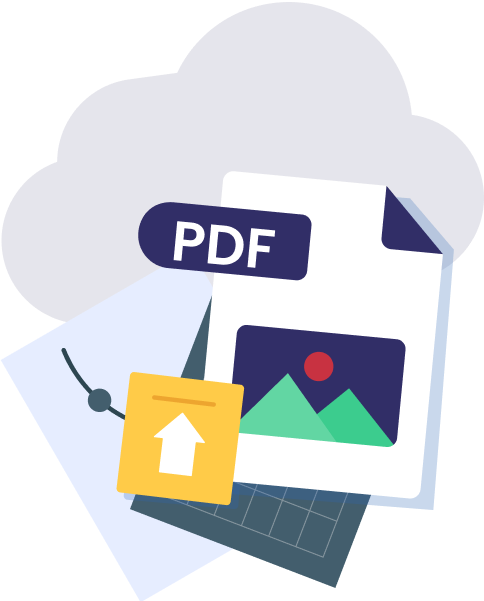
Step 1 Upload Your PDF Document
Upload or drag & drop your PDF file into this converter.
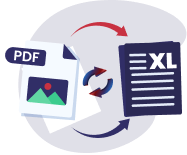
Step 2 Start the Conversion Process
Click on the ''convert'' button to convert your file into excel spreadsheet
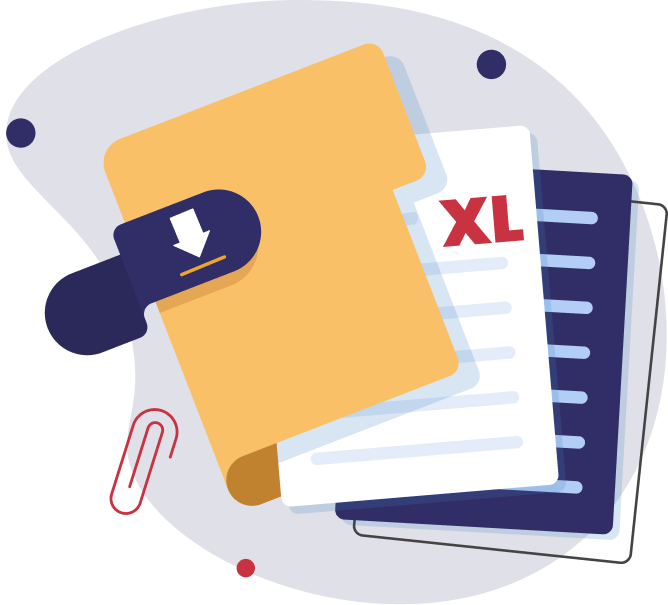
Step 3 Download Your Excel File
Click the download button and save your editable Excel file on your device.
Why Choose our PDF to Excel Converter?

Accurate Data Conversion
No manual editing required as it converts PDF data into editable Excel spreadsheet with precision.

Fast Processing
Although the processing of files depends on size, it still efficiently convert pdf to excel without any delays.

User-Friendly Interface
Its UI is straight-forward, and the entire layout provides you with ease of navigation and hassle-free experience.
Support Batch Conversion
Enables conversions from multiple PDF documents at one into Excel spreadsheets, saving time along with manual intervention.

Safe and Secure
User’s privacy and security is our first priority. All files are secured with high encryption and automatically deleted after conversion.

Multiple Uploading Options
Offers multiple uploading options such as from device, drag-and-drop, and cloud-based storage like Dropbox.
Applications of PDF to Excel Conversion?

Data Analysis
Data analysts frequently work with financial reports, invoices, and balance sheets in pdf format. Converting them to spreadsheets makes it easier to edit, and analyse the data.

Businesses
Many businesses receive important documents like invoices and financial reports in PDF. Converting PDF to Excel helps to streamline data entry, calculations, and reporting, saving time and reducing errors in financial tracking and planning.

Research
Researchers work with large data sets, surveys, or statistical reports that come in pdf’s. Converting these files into Excel spreadsheets enables them to organise and analyse data more efficiently.

Educations
Converting from pdf to excel allows students to manage data from reports, assignments, and research papers. This conversion supports data handling in various subjects, including statistics, economics, and science, making it much easier to calculate and visualise data.
Frequently Asked Questions

Our pdf to xlsx converter has OCR (Optical Character Recognition) capabilities. It can convert scanned or image-based PDFs to Excel, making text and data editable.
Yes, our tool is fully compatible with desktop and mobile devices to ensure seamless conversions from PDF into Xlsx.
No need to download or install any software to change PDF to Excel, all is needed a stable internet and device.
No account is needed! Our tool is available without registration.
 JPG to PDF
 PNG to PDF
 BMP to PDF
 TIFF to PDF
 WORD to PDF
 XLS to PDF
 HEIC to PDF
 VCF to PDF
 PPT to PDF
 PDF to JPG
 PDF to PNG
 PDF to BMP
 PDF to TIFF
 PDF to WORD
 PDF to CSV
 PDF to PPT
 PDF to Text
 PDF to Excel
 Image to Text
 HEIC to JPG
 HEIC to PNG
 MERGE PDF
 SPLIT PDF
 COMPRESS PDF
 Done
Done


 Re-Convert